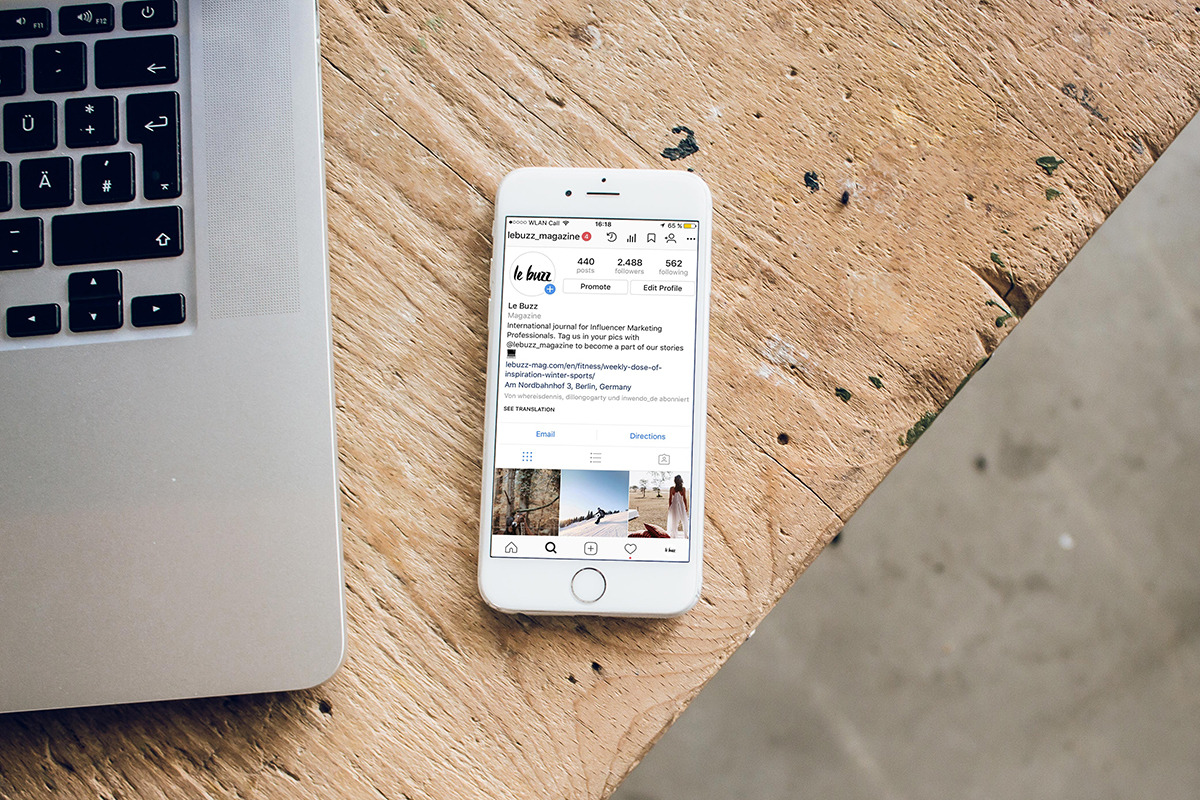
Struggling to grow your audience and sales on Instagram? This checklist of things to do before and after posting an update to your feed will boost your performance in no time! Want to learn more? Book into our Instagram workshop on 20 February at The Raft and have all your questions answered and effective strategies handed to you.
Things to do before publishing new post to Instagra m
CHECK IT’S THE RIGHT TIME. When you post something on Instagram, you want as many followers as possible to see your update. So, it makes no sense to publish it when everyone is busy living their life, working or sleeping, right? Check out the ‘Audience’ tab under your ‘Insights’ – the graph at the bottom shows when exactly your followers are spending time online on each day of the week. Organise your posting times around these suggestions.
ADD A LOCATION. Did you know people can type in any destination on Instagram and look through
all the posts that have ever used this location tag? That’s why location is basically your ‘gateway’ to a new audience. If your business operates locally – like a café or a hairdresser – use a tag for your town. If you sell products online and have a nationwide delivery, make sure you tag different big cities as your location. If your photo is not obviously location-related, playing with tags will help you to reach an audience in different corners of New Zealand. Enjoy the variety but remember – snapping a selfie at the top of Mount Maunganui and tagging ‘Christchurch’ is probably not the best strategy.
TAG OTHER ACCOUNTS. Are there other people or businesses in your photo? Tag them! When you tag someone in your photo, you let not only them but also their entire audience
USE HASHTAGS. There are 120K posts under the #nzbusiness hashtag, 100K tagged with #nzbeauty and should we even mention #healthyfood with its 70 million (!!) photos. Many people don’t bother Googling ‘photographer in Tauranga’ these days, they check out Instagram hashtags instead. If you ignore hashtags, they’ll simply pick your competitor who’s aced the game. Appearing in hashtags gives you a wider reach and, quite possibly, new clients. The app allows you to add up to 30 hashtags to each
Things to do after publishing new post to Instagram
SHARE YOUR POST TO STORIES. These days, many people don’t scroll through the feed, they only watch Stories, so let them know you have something exciting going on by sharing your latest photo to Stories. Click on the little ‘aeroplane’ under your post and add a short intriguing caption, encouraging people to click and read more.
ENGAGE WITH HASHTAGS. When it comes to Instagram strategies, many of them are ‘a grey zone’ – there is no textbook explaining how and why some things work and others don’t – we have to simply rely on what people like you and I swear by. Engaging with hashtags is one of those activities no one from Instagram has ever officially confirmed but somehow we all know it works. Once you’ve posted your new photo, click on 5-10 hashtags you’ve used and like and comment on photos you’ll see there. Apparently, that way you’re showing the Instagram algorithm you’re active in these hashtags and they are really related to you, so your photo will perform better as well.
STAY ONLINE. Switching off your phone right after you’ve posted is a huge mistake! Make sure you only post when you have another 20-30 free minutes to stay online, reply to any comments you receive, visit profiles of those who like your photo and return the